The Development of Vocabsters
The Situation:
A 7th grade special education class has a problem with students not engaging with the learning material, even with the pedagogical approach of the Finnish education system. They require more motivation to learn, and do not involve themselves in learning if it is not engaging enough for them.
They respond well to social play, aspects like friendly competition and working together creates a better learning environment for them. They also are very digitally capable, as a part of Gen Z, they can absorb information faster than any other generation. They all share a love for games, from talking about them, playing them and even watching other people play them together, it’s a core part of their life.
The Test:
We came up with a simple game concept to test, split the class in two, say a word in Finnish, and whatever side of the class answers in english correctly first moves the magnet on the whiteboard towards their team name.
This brief test confirmed our understanding in regards to inspiring learning through competition, whilst not encouraged by the national curriculum, this teaching method prevails for students in this class.

The Concept:
We knew that three components would be key to this working:
- Multiplayer capabilities so they can learn with each other.
- Games that hold their attention completely and engage them in learning.
- An app that the students recognize as a game, not learning.
With these in mind, I began to work on developing a working multiplayer concept, with a few different games to test what works.

Initial Development:
From the initial working concepts for multiplayer, singleplayer games and general developement, we learnt some vital things that effected development greatly as time went on:
If someone who didn’t grow up in the digital world can play the games, they are not good enough. The stimulation, feedback and input systems that Gen Z students engage with the most, are too much for older audiences who find it overwhelming. Our target audience is not older people, so this learning was vital.
Pacing is key in multiplayer, the game that was the most successfull was simply “Who can tap the right answer faster”, keeping time between rounds below 2 seconds meant they were constantly engaged.
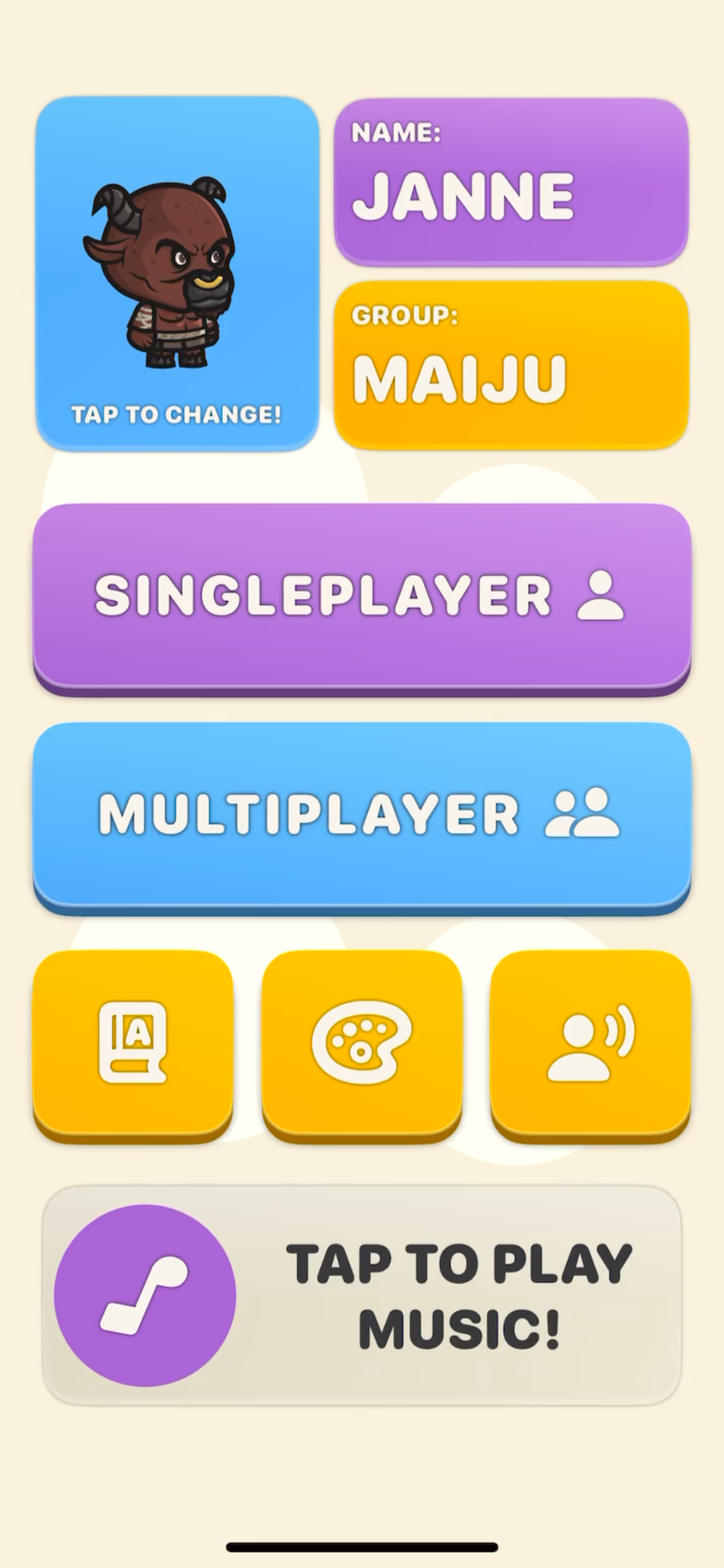
Using game language and flows throughout the app is key for maintaining the view the students have that this is a game. For example game language like “Player” not “Student”, “Levels” not “Assignments” and “Play” not “Start”. Flows like play a level, gain xp, level up, unlock something, show it off in multiplayer against your friends also built this fascade of being a real game.
Early Development Pictures: (October 2025)
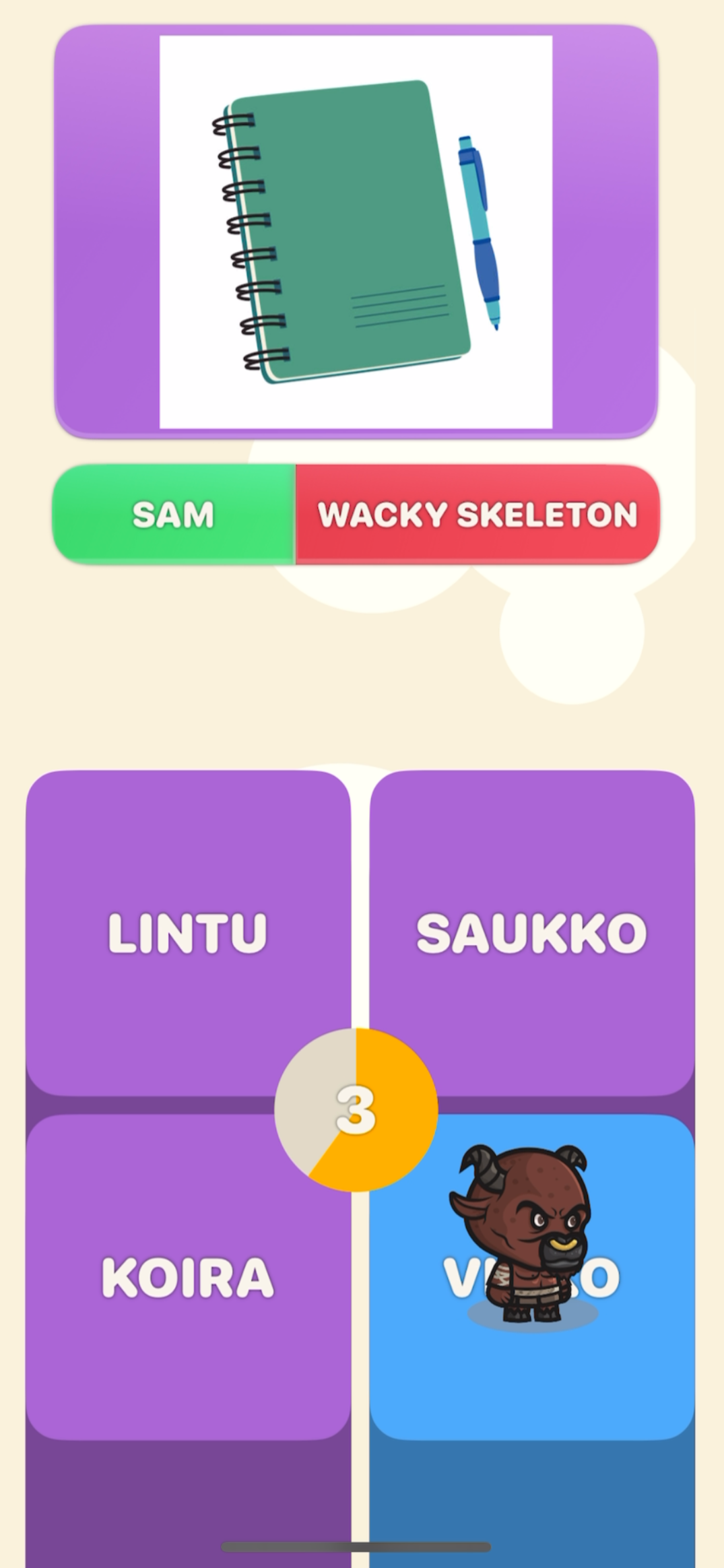
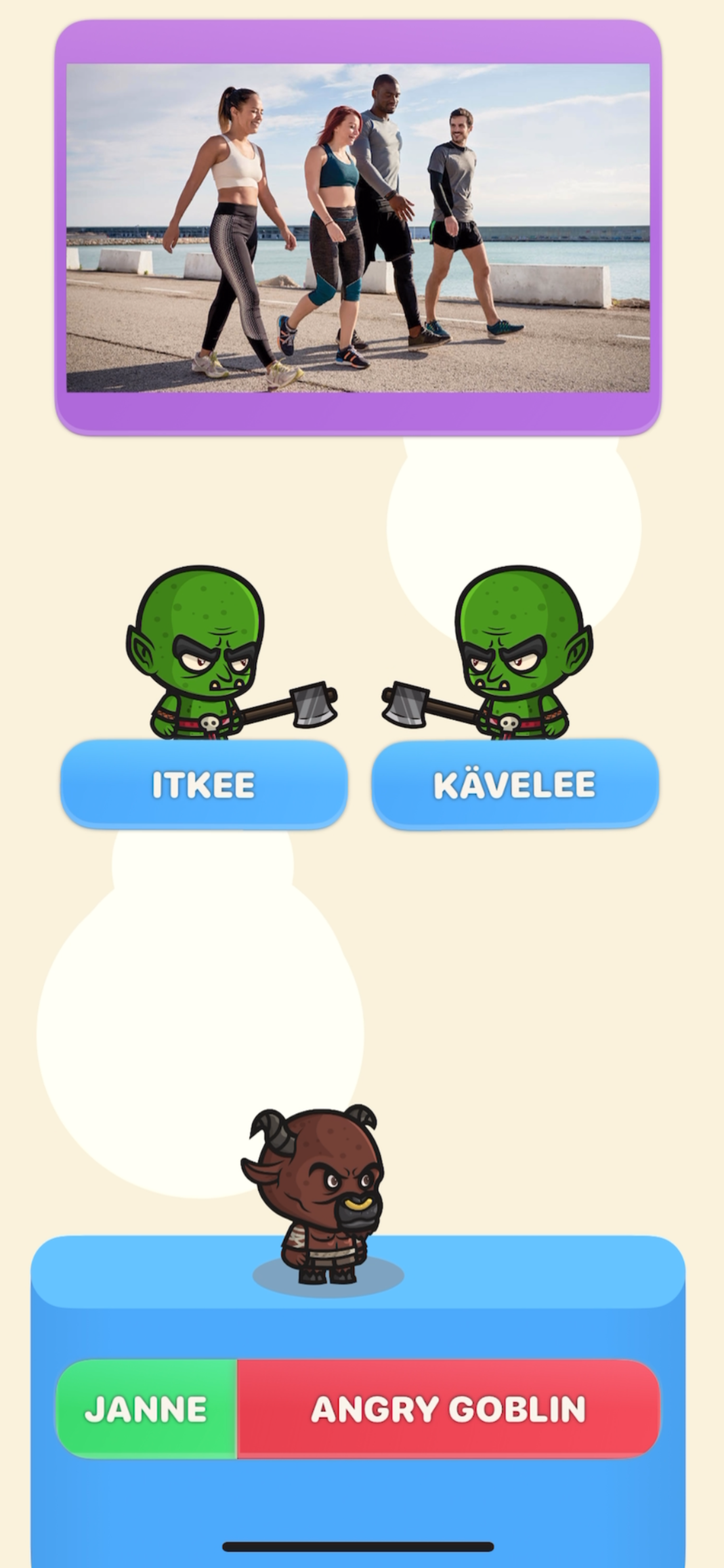
This version’s games lacked multi-layered input, were too simple, and didn’t take proper advantage of the visual and audio feedback options available. The menu system was designed to be simple, but ended up overcomplicating the process of progressing through the game.
Iterating to create a multi-layered games:
As we created games for the app, we found vital layers the game must include to be engaging for the target audience.
Multiple input methods at the same time are required to hold engagement, Vocabsters uses physically tilting the device to move the player, and also requires the player to tap on the screen to jump/select answers.
The player must never stop moving, there is no deadzone where the player would stop moving if the device is held flat, they must always be paying attention to what direction their character is moving.
Pacing is key, as little downtime from when they answer to when the next question appears is vital for engagement, pausing everything to show the answer they just selected delays learning and breaks engagement completely.
Take advantage of everything digital has to offer, bright colors, constant UI movement, small animations everywhere, reactive enviroments in each game, distinct sound effects, camera shake, dynamic backgrounds. These are all used by actual games, and should be taken advantage of by the education industry aswell.
Simplify UI, make it fast to start playing:
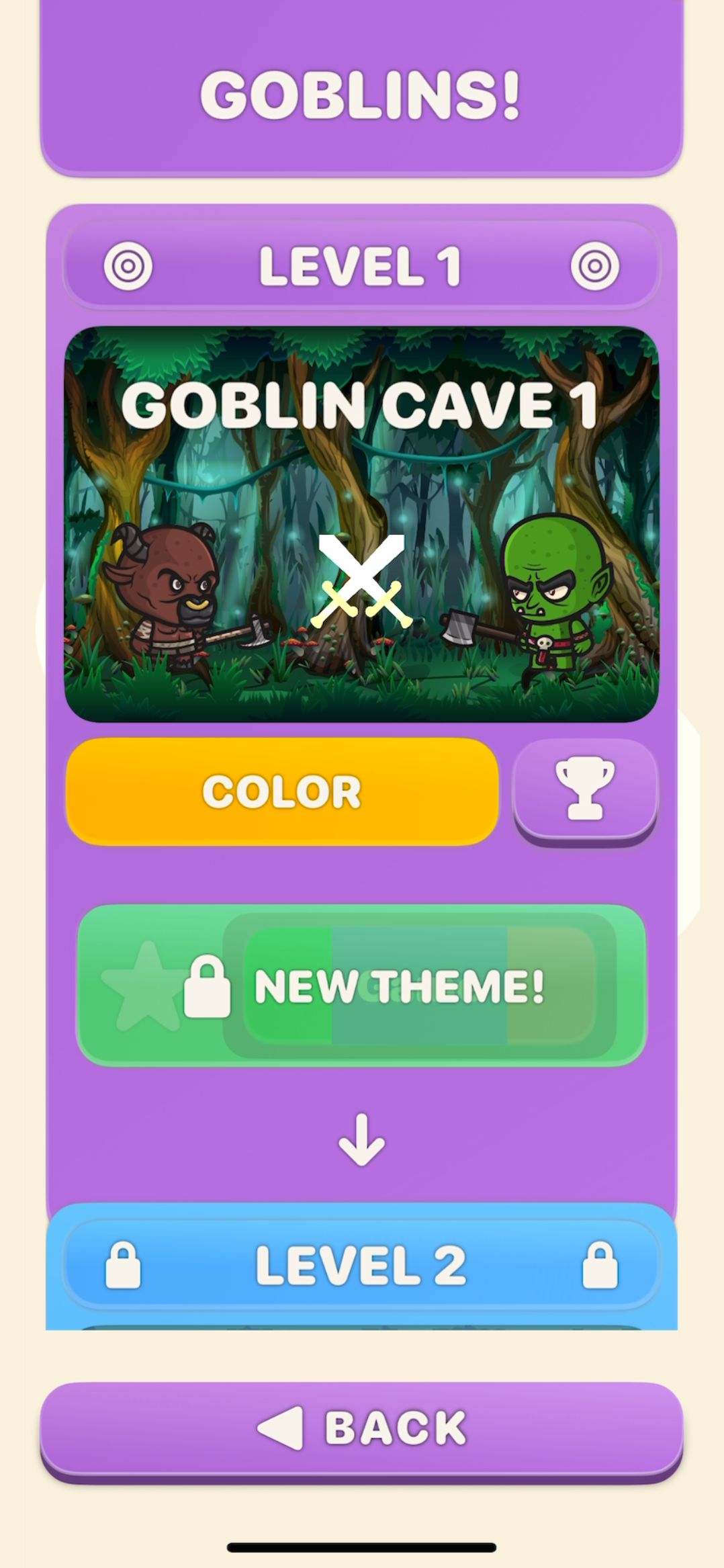
The Story mode UI has gone through constant iteration, starting with layered menus that needed the player to pass through 4 screens just to start playing. After feedback, we realised that people became confused where they were supposed to start, so simplifying this flow was key. Now, from the main menu, you only need to press one button and you can start playing the level you are currently up to.
Unlockables, Unlockables and more Unlockables!
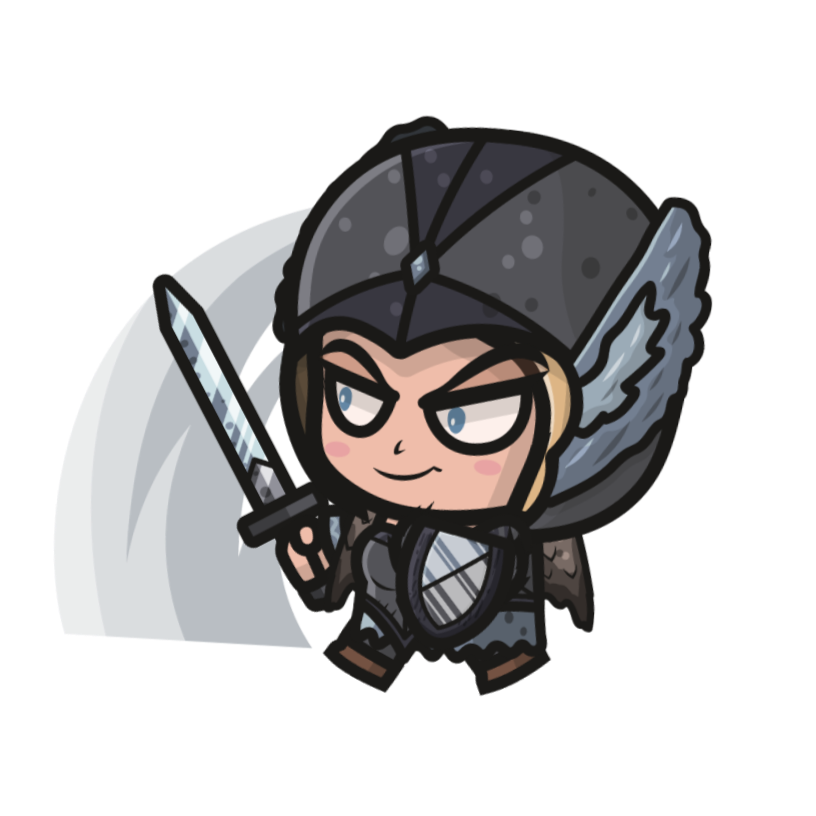
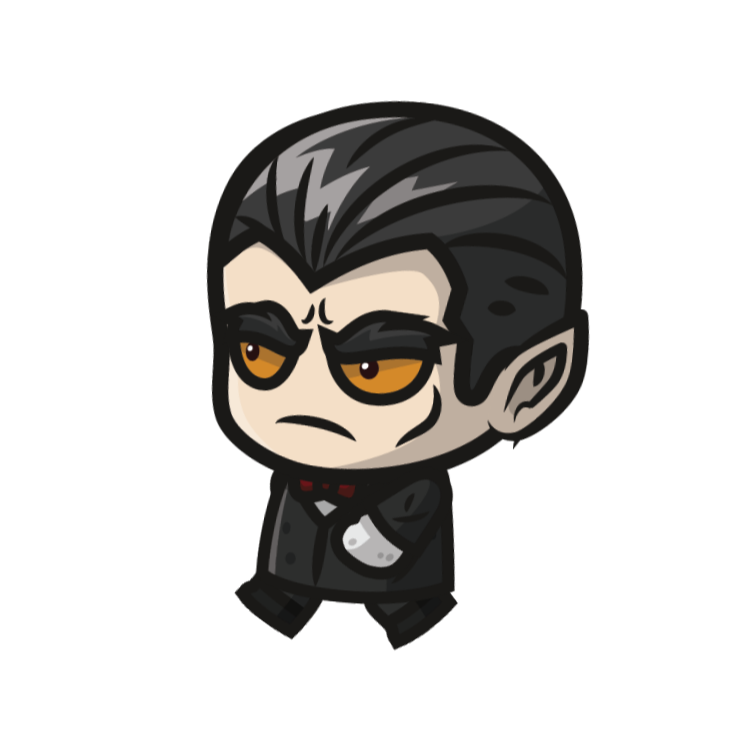
Rewards are vital for learning, especially in an age where dopamine has been turned into currency. Just like in all games, most things you receive, you will never use, however for the students, the act of receiving them is more than enough. Incorporating this flow into the game really sells the concept of gamification to the students. Fortunately its incredibly easy to add a million different things for the player to unlock as the whole app is completely customisable, colors, fonts, backgrounds, sounds, music and the characters themselves.
The Character:
Everyone who has played games can appreciate the statement that when you customize your character, you associate more with it, especially when that character is earnt by playing. This same concept is used in Vocabsters, and translates well with multiplayer where the students can show off their own character that they have earnt by learning.
The Switch To Landscape:
Surpisingly, I didn’t consider the fact that I was building all the games for a portait oriented device, which for games, makes very little sense. Portait orientation was visually saying that the games were not “real games”, they were subconciously grouped with games like candy crush and other language learning apps for adults. Making the switch to landscape orientation was vital for keeping up the fascade of being a real game, this decision also ended up improving gameplay and game design.
Proving Engagement, Discovering Difficulty and Multiplayer Success: The First Test.
We tested with the target audience just before they went on christmas break, its was an amazing learning experience for us and directed further development in the right direction. We tested with the students in pairs and I observed them playing the game for the first time, watching them really connect with the concept and explore what we had built was great.
Proving Engagement:
The best thing to come from the first test was proof that the Vocabsters gamification concept worked, watching the students become so engaged with the game that I was unable to ask them questions while they played was a vital test and it passed with flying colors. The movement system took them about 5 minutes to get the hang of, once they did, they were flying through levels and constantly playing again. This initial test only included basic vocab, so the learning side was lacking for most of them, however acheiving such engagement without including challenging vocab was awesome.
Discovering Difficulty:
As I play tested by myself, I found it hard to gauge how hard each games mechanics were. During this test I was met with the classic “Its not fair” when they took damage for falling off platforms, however some students enjoyed this mechanic and found the challenge of it more engaging. Some students found a game they really enjoyed playing and decided to practice words specifically on that level, this was great as I was able to find a nice middle ground for difficulty when these cases came up. After this test, building a system for each student to cater the games difficulty to their capabilties was key.
Multiplayer Success:
Whilst not being the main point of the first test, the multiplayer was a clear smash hit with the students. Even with the limited vocabulary in the app, they enjoyed the social play, friendly competition and pacing of it, with the stand out game being the one with the fastest pacing and least downtime. Making different visual versions built on the same high pace mechanics became a large goal of mine from this point onwards.
The games must be fun and engaging, and the learning must be the challenge.
After this test, I learnt a key thing that would drive development for the next stage of Vocabsters, the students wanted to learn, and now they had an engaging way to do it, I needed to supply them with learning suited to them as individuals.
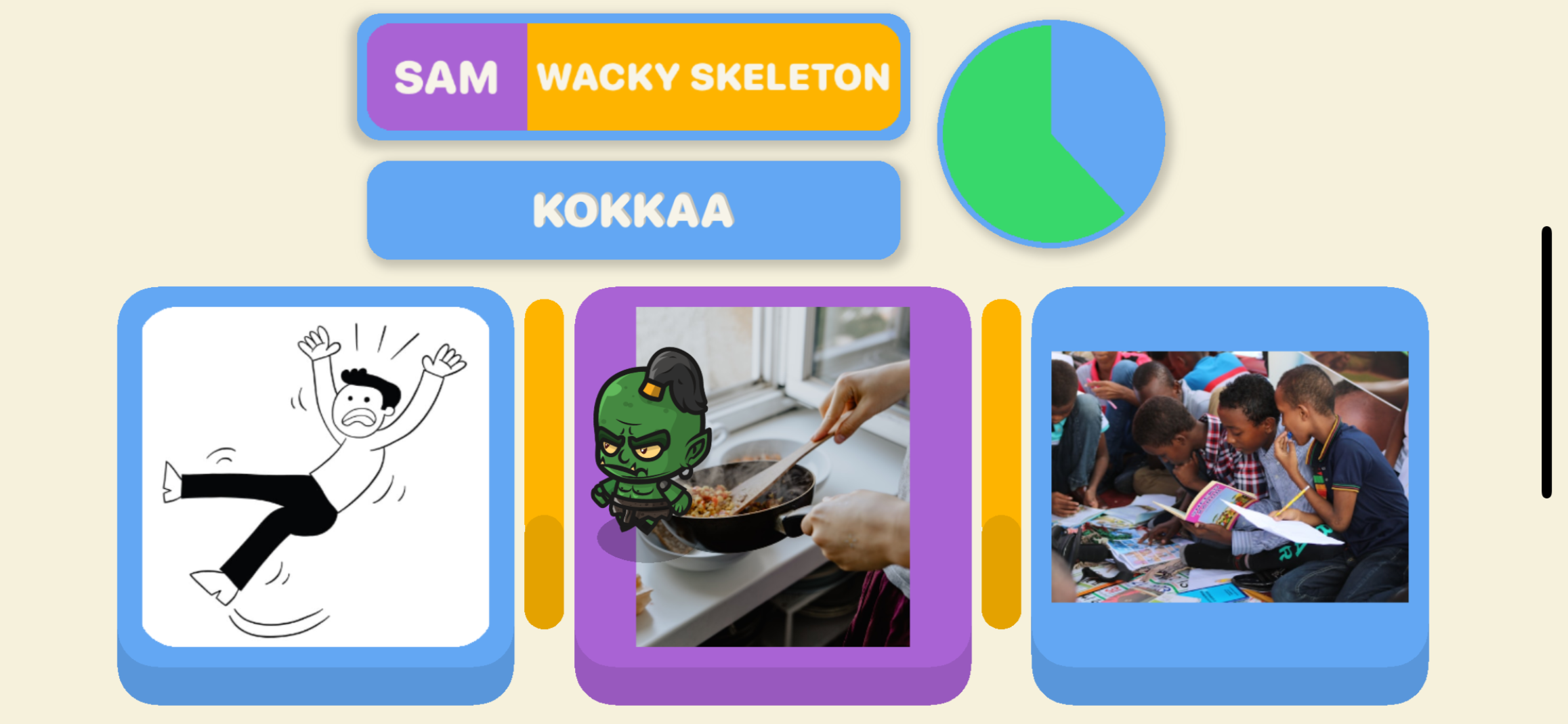
Development Pictures: (December 2025)
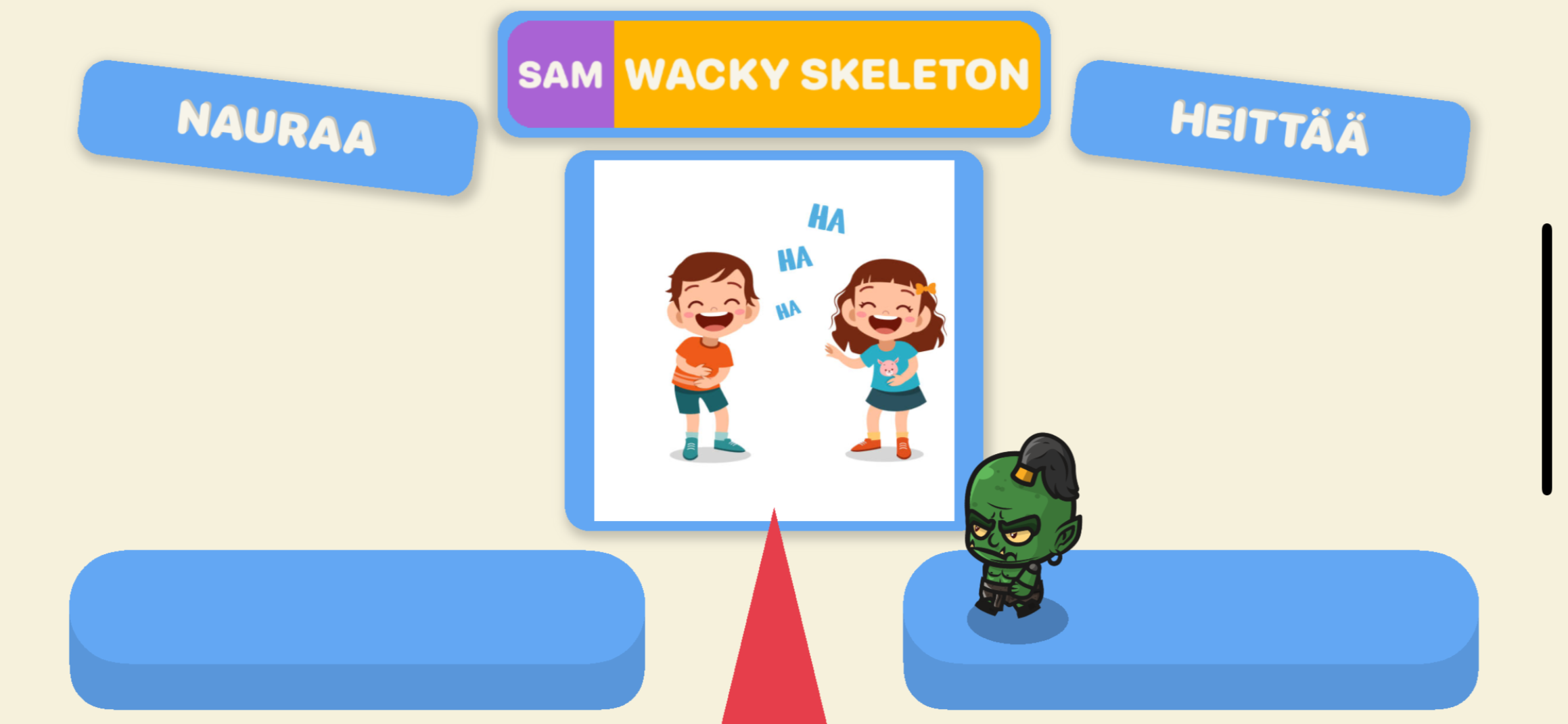
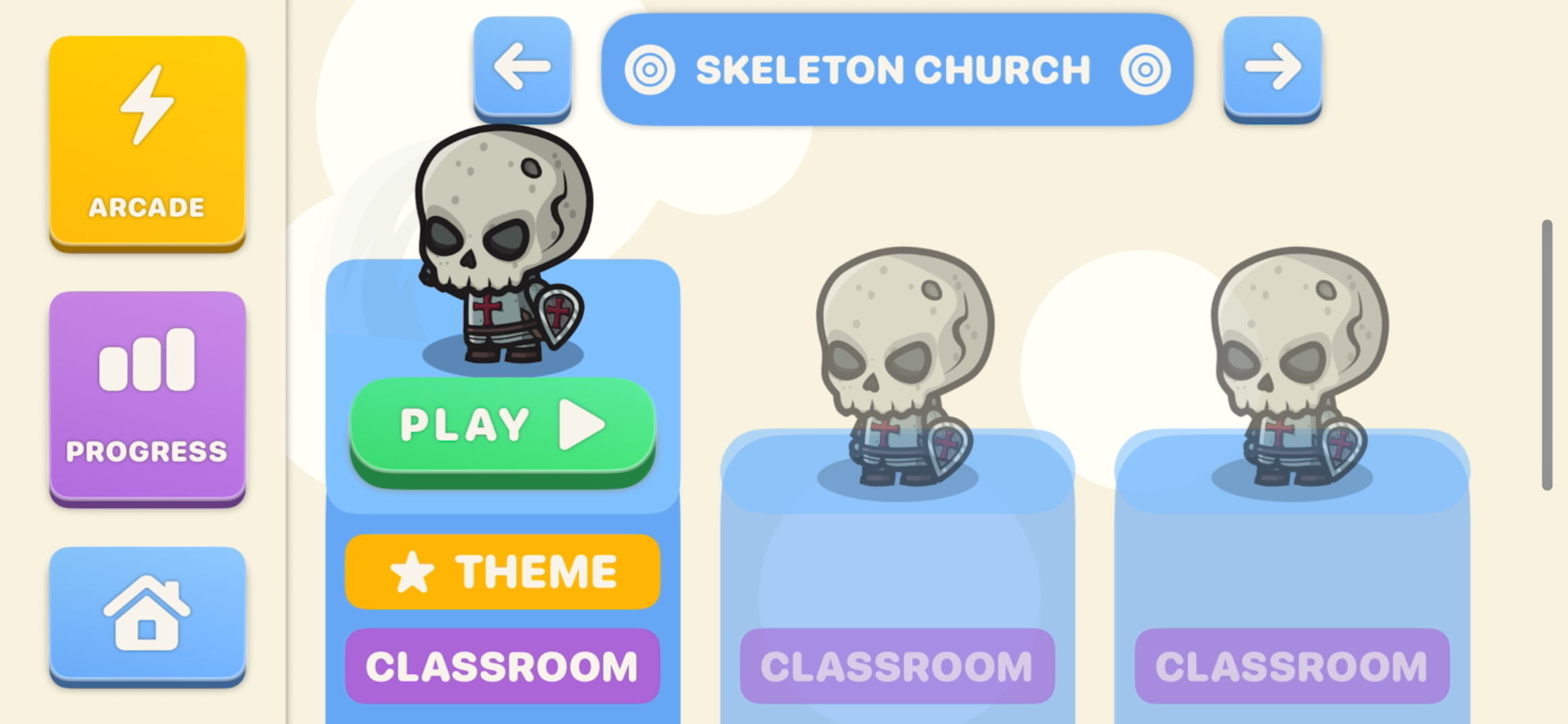
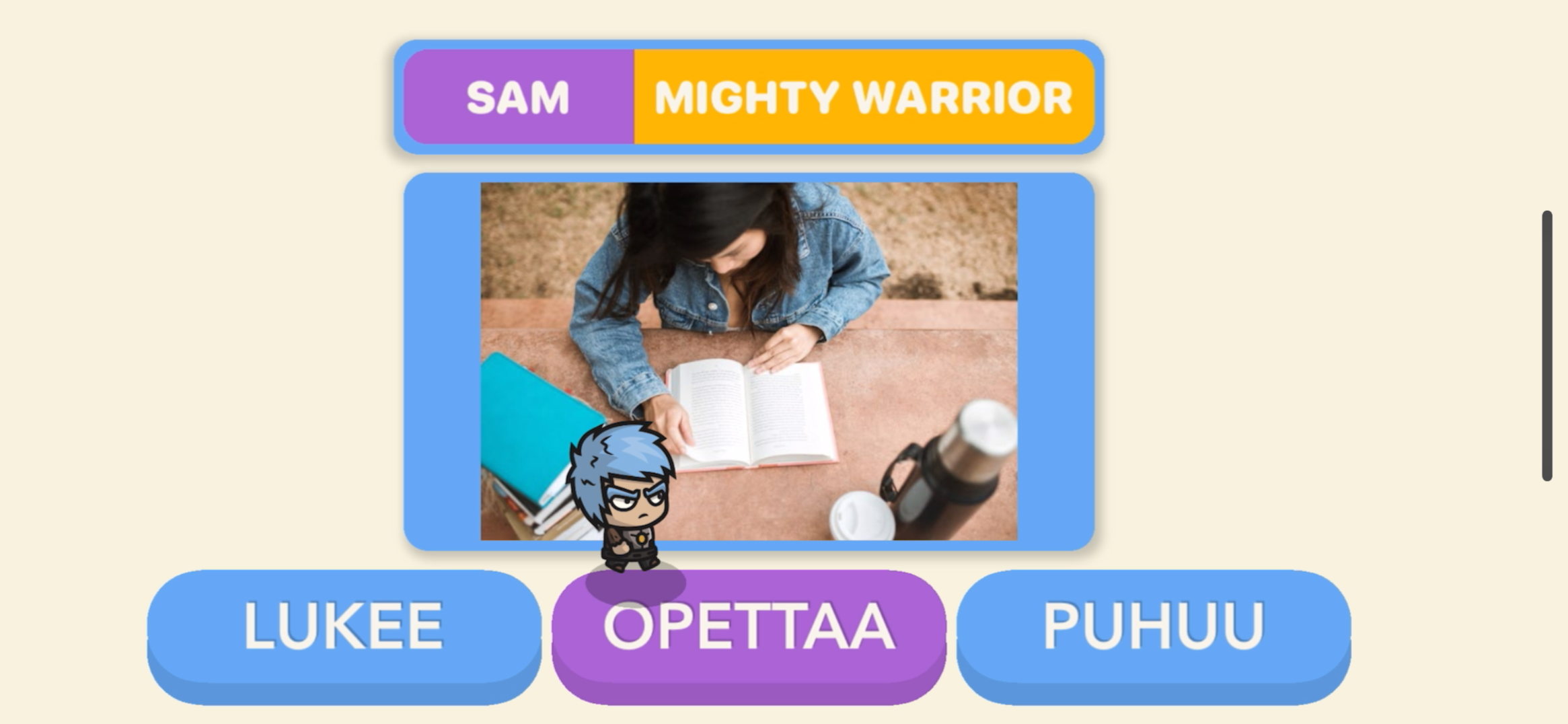
Difficulty in focus:
After the initial testing, the most obvious problem was the difficulty not being adjustable for each game. All students who play games understand the concept of changing settings for games to make them “better” or “fairer”, so implementing this system is a recognizable mechanics for the students. After a lot of work, every game’s mechanics was able to be adjusted between 3 different settings (Easy, Normal and Hard). This was the first step of embracing the learning from initial testing. This also allowed an older audience to try the games out which was an added positive.
The introduction of curriculums:
Another key takeaway from the initial testing was the games must be fun and engaging whilst the learning creates real challenge. At this point in Vocabsters, the only available curriculum was the one built for learning from the ground up, completely picture based. The next steps in development needed to give the ability to change between completely different curriculums designed for different purposes and skill levels. The students also needed to be able to jump between different sections of the learning curriculum, so I designed the curriculums around this concept.
Each curriculum in Vocabsters is designed with a different learning intention. Here is how they are structured:
Curriculum - Grades - Chapters - Sections
Sections are the building blocks of a curriculum, each section can be taught in different ways, you can adjust what words are taught, how much they are taught and finally how they are taught (vocab games, spelling games, sentence building games etc.).
Same games, different learning:
Another commonly mentioned request was different types of games, students who found the basics too easy asked for games like putting the word in a sentence. This actually worked out fantastic, as I had been thinking that with all games designed to display a picture, using that same screen space for sentence builders would work. I split the game code into more modular pieces, this allowed me to create modes like “Guess the correct spelling”, “Build the sentence using a sentence in your native language as reference” and “Build the sentence using the original sentence parts shuffled”. Working this into the curriculum system meant that each section could allow for more in depth learning and understanding of each set of words.
Real voices:
Fortunately, just before the next test, I was able to add real voices pronouncing the words. For a while, I had noticed that the built in pronounciation of the words was poor, I think it struggled with individual words. So I came up with a system that imitated the picture system, the game will cache real voice clips for every word from the database when possible. This system also allows for multiple voices, for each language, meaning the player can hear a variety of people pronouncing the words properly as they learn. Fun note - I can’t do any voices for English as my accent is too strong and would only confuse the students more!
Proper Structure, Real Learning and Social Rewards: The Second Test.
We tested again with the target audience in January 2026, the goal of this test was to see how the app performed when the learning was at their current level. It was amazing to see the structured learning built with the curriculum system perform so well, their recognition of the words improved very fast, also surprisingly, they viewed the multiplayer as a reward for completing the assigned section.
Proper Structure:
Whilst the students told me they knew all of the words in the assigned section before they began playing, this may have been a slight lie as I heard the wrong answer sound coming from the ipads frequently at first. The section design worked well and encouraged fast paced learning really well, here was the structure I used for a simple set of 8 words:
Level 1 - Basic Learning Game (3 options, you must answer correct to continue, ~3 mins) - Vocab Mode
Level 2 - Basic Practice Game (2 options, answer in the allocated time, ~2 mins) - Vocab Mode
Level 3 - Hard Practice Game (3 options, answer in the allocated time, ~2 mins) - Vocab Mode
Level 4 - Basic Learning Game - Spelling Mode
Level 5 - Basic Practice Game - Spelling Mode
Level 6 - Hard Practice Game - Spelling Mode
After completing this section, they instantly recognized the correct answers when playing the initial game again and got none wrong. I think with proper testing and refinement, a section structure could appear that is best for fast paced learning that encourages and engages the students. Incorporating adjusted versions of the games modes for variety could prove to be super useful aswell.
Real Learning:
It was incredibly encouraging watching the students build recognition so fast whilst remaining engaged, I felt that I was interrupting them when asking questions and was resorting to quickly asking questions between levels they played. However I was worried that they were just getting faster at basic recognition, not actual understanding. The sentence building game posed a real challenge for the students, using modes like this to build a deeper learning would be vital and incorporating it into every curriculum should be recommended. Even the inclusion of the Spelling mode in the test curriculum was really interesting, it encourages them to not only recognize what the word looks like relative to the others in the set, but actually how the word is spelt.
Social Rewards:
I didn’t actually change anything about multiplayer between these tests, as it was not the focus. However for the students who knew it existed from the first testing round, they clearly viewed it as a reward. I then of course procceded to use it as a reward for them, encouraging them to learn the words well and play against each other afterwards. This concept was something we thought of initially, but it was super nice to see it naturally occur, a rework of the multiplayer system to support all learning modes and focus on games that pace is prioritized is the clear next step.
Engagement acheived, now to build depth.
After this test, I was shown that the concepts of properly gamified elements does boost engagement, especially when the learning is at the correct level for the student. Now its time to rework multiplayer, build a variety of games for different students and really improve the depth of the learning with more game modes.
The 3rd Iteration of Games:
After working on core systems of the app, making sure that games are built in a modular way and learning the design patterns that work, it was time to create a new form of game. Platformers are a solidified piece of the gaming industry, bringing them to Vocabsters makes complete sense, especially considering the students current facsination with games like “Geometry Dash”. The limitations of making sure all games can be picture based and making all text readable meant I had to come up with creative ways to display the questions to the students, that also followed the patterns of interactivity and stimulation that Vocabsters is built on.
Platformers in Vocabsters:
Constantly iterating the design and functionality of platformers has meant Vocabsters has a super easy system to implement many types of platformers, different gameplay mechanics will give variety to students with even more variety being supplied with new map sections being added. The first game to be added is a simple side scrolling platformer with basic run and jump game mechanics. Question boxes placed throughout the map are how to students gain points, more work will need to be done to apply pressure to them so they must move throughout the map.
The Vocabsters way of interaction:
Vocabsters is built around multiple layers of interactivity, applying this concept to the question popups in the platformer games is a vital component to get right. Initially designing the answer popup with conventional buttons worked, but didnt feel like the rest of the app, so creating a new system for this was key. In the end, the answer popup now takes advantage of the tilting mechanics to select an answer, meaning the students will have to tilt the device left and right to select and tap to lock the answer in, which flows perfectly with the normal game controls of the app. This was also applied to the faster paced practice game answer popups, which ended up feeling really good for the player and made sure the pacing didnt feel interrupted by a question popup.
This clip shows the first version of the answer popup to be used in platformers, the selection is based on the tilt of the phone, which is the same as the player movement system. Once they have decided their answer, they tap the screen anywhere to confirm.
Positive Visual Feedback:
All games already included a strong negative visual feedback for the player: Camera shake, camera red flash, enemy animation, enemy particle effects, player animation, player particle effects, UI red flash. However the positive feedback was lacking, which with students, should be the stronger version of feedback as students respond well to positive feedback. Going back through the games and making sure they included a camera zoom animation, multiple camera green flashes, strong haptic feedback and more UI animations meant the positive feedback feels much better to receive.
Supporting Small Languages:
I wanted to add Māori to Vocabsters, however the app was limited in its way of handling languages, so moving that whole system to the cloud was a good next step. This meant redoing the real voice system, the flashcards themselves and how they handle translations and also making sure that languages without complete support can be hidden. Now, new languages can be trialed and tested without updating the app, meaning faster testing and iteration when implementing them.

A good example of bad design: The first platformer.
Getting to the stage of adding platformers was fantastic, and developing the question popup that really aligned with Vocabsters interactivity design goals was a great step in the right direction. However the gameplay of the first iteration is weak and doesn’t follow what works so well about the other games. For example, the player is able to come to a stop by running into a wall, this means engagement can be lost, in the other games the player is able to fall off the map requiring constant attention to the game. Another example is the lack of need to continue moving forward, the player can go backwards and take their time traversing the map, this completely kills pacing. Whilst the game is fun to play, it lacks the design principles that encourage fast learning and a well paced environment for the target audience, this must be fixed in the next iterations.
Multiplayer Overhaul:
Reworking multiplayer had been left on the backburner as singleplayer required more iteration to succeed, however it was finally time to give it new life. A core concept of the new iteration was having as many students as possible in a lobby, this meant completely redesigning the system for multiplayer. Now, all students in a class will be able to play together, 3 new games were made for this new system, all learning from the success of Duel Flash, prioritizing pacing to hold engagement. With the 3 games in the new version of multiplayer, they all use similar components to the singleplayer games, meaning development of singleplayer works for multiplayer too. The new multiplayer also supports different game modes.
Security Priority:
The account system in Vocabsters is designed to take as little data as possible from potential users as the target audience is students. It had been some time since that system was initially implemented, so a review of all code was done and a rework in regards to pincodes was completed aswell.
Arcade UI/UX Experience:
The Arcade mode UI/UX has been a challenge to get right, as all options of play must be available, and be usable in an intuitive way. After building the UI/UX for the multiplayer lobby, it only made sense to transfer that similar system to Arcade mode. After refining and iterating the experience, it is now incredibly easy to use, super clear and also allows the player to adjust every option possible, making it the perfect way to try all game options Vocabsters has to offer.
Complete the Sentence - Learning With Depth:
A key component of language learning material is exercises where the student must complete the sentence with previously learnt vocabulary. Bringing this to Vocabsters was an important next step for it being a support to learning material in classrooms. However, the mode must be flexible as its use cases vary, for example when teaching irregular verbs, hinting the user with the base form of the verb in their native language is used. So the sentence complete gamemode accounts for all use cases I could find in learning material, making it adaptable and customizable to the curriculum.
TikTok Text Display:
Overwhelming amounts of text can discourage the target audience of Vocabsters, Tiktok videos use a technique of having the sentence appear word by word/letter by letter, whilst also shortening the displayed text, to keep the user engaged. Vocabsters uses these principles in the sentence complete gamemode, visually keeping the game more interesting, whilst also appealing to their preffered form of content.
Textbook Content Translated For The Audience - Story Mode:
Whilst attempting to translate workbook and textbook content to Vocabsters, I ran into a problem. The workbook references the textbook regularly, the target audience does not engage with the textbook, large walls of text and content paced for the majority means the target audience doesn’t get the chance to engage. Developing a Story mode was key. Using the principles of the sentence complete mode, the stories from the textbook are cut into smaller pieces, and delivered in a visually interesing and stimulating way. This means the target audience can interact with the textbook content at their own pace, stylized in a content form for them. Next steps for Story mode are already very clear, incorporate these Story telling building blocks with proper game elements to create an interactive game for the students.
Maps Are Fun!
After playing a country guesser by YLE, I was incredibly inspired to create a Vocabsters version of this game. Building the foundations of loading map data into the game was a goal of mine to begin with, and after completing the sentence complete and story gamemode, I was ready for an experiment. The key of Vocabsters is to visually be a game, so making a interactive world map that also remains visually interesting and stylized was a great challenge. Using this game as a tool to engage with the textbook content was also a goal, so I needed the ability to load ANY sort of map data in. So now the geography game can display not only countries, but states, with the ability to also show certian parts of the world in more detail. Next steps would be to use Vocabsters interactivity principles to develop the geography game even further.